SEO
What is Robots.txt? How to Use It for SEO?
Learn what a robots.txt file is, how to create one, and how it affects your SEO performance. Everything you need to use it correctly.
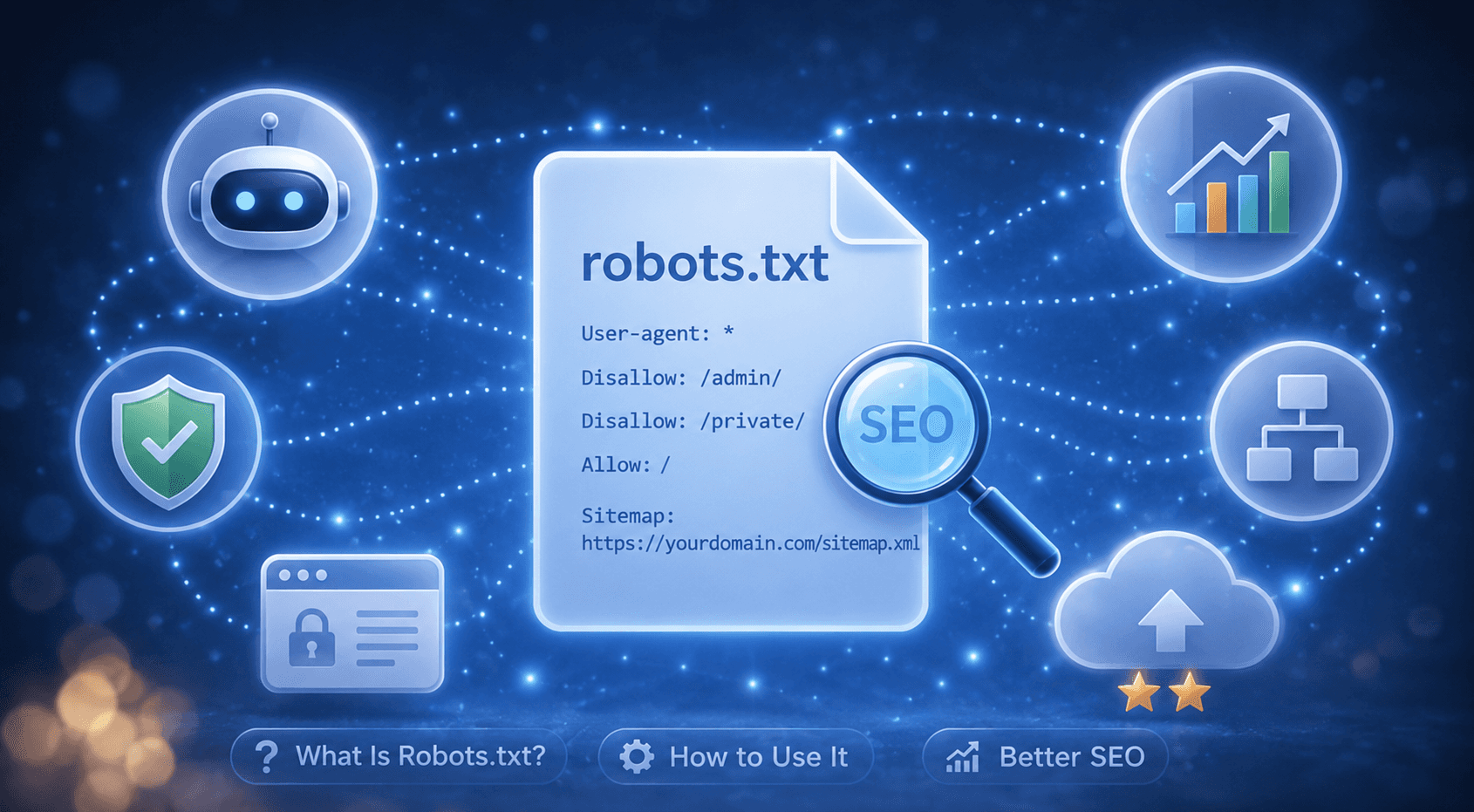
Have you ever wondered how a website communicates with search engines before they even look at a single page? That first exchange often happens through the robots.txt file. Small but powerful, this file tells search engine bots which parts of your site they can and cannot crawl. Getting it wrong can mean that some of your most important pages never get seen by Google at all. That is why robots.txt is considered one of the core building blocks of technical SEO.
What Does a Robots.txt File Actually Do?
Robots.txt is a plain text file that lives in the root directory of your website. Search engine crawlers, including Googlebot, check this file first whenever they visit your site. Inside the file, you can specify which bots are allowed into which directories and which ones are not. For example, you can use it to keep crawlers away from your test environment, admin panels, or pages with duplicate content.
There is one important distinction to keep in mind though: robots.txt does not hide a page from Google, it only prevents it from being crawled. If another website links to a page that is blocked in your robots.txt, that page can still end up in Google's index. For content you genuinely want kept out of search results, you need a noindex tag or password protection, not just a Disallow rule.
How Do You Create a Robots.txt File?
Creating a robots.txt file is straightforward from a technical standpoint. You open a plain text editor, follow the correct syntax, and upload the file to your root domain. The basic structure works like this: User-agent tells the file which bot the rule applies to, Disallow blocks a specific directory, Allow explicitly permits a path, and a Sitemap line points crawlers directly to your XML sitemap.
A basic robots.txt file looks like this:
User-agent: *
Disallow: /admin/
Disallow: /test/
Allow: /blog/
Sitemap: https://yourdomain.com/sitemap.xml
The User-agent: * line means the rule applies to all bots. If you want to target a specific crawler, you can replace the asterisk with its name, for example User-agent: Googlebot. Once your file is ready, simply upload it to yourdomain.com/robots.txt. You can also test and verify it directly inside Google Search Console.
Which Pages Should You Block with Robots.txt?
You do not need to let crawlers into every corner of your site, and in some cases letting them in freely can actually hurt your performance. Search engine crawl budget is limited, so pointing bots toward your most valuable pages matters. The table below outlines common page types worth blocking and the reason behind each one.
Page Type | Why Block It |
Admin and login pages (/wp-admin/, /login/) | No SEO value and wastes crawl budget. |
Filtered or faceted URLs | E-commerce filters can generate hundreds of near-identical URLs that drain crawl budget. |
Staging or development environments | Unfinished content appearing in Google can cause unintended indexing issues. |
Internal search result pages | These typically hold low-quality, repetitive content with no ranking value. |
On the other hand, never block your homepage, blog posts, or service pages. One of the most common mistakes in technical SEO audits is finding that critical pages were accidentally added to a Disallow rule.
What Is the Difference Between Robots.txt and Noindex?
Confusing these two is one of the most frequent SEO mistakes. Robots.txt controls crawling, meaning it decides whether a bot visits the page at all. A noindex tag controls indexing, meaning it decides whether a crawled page appears in search results. These are two separate processes. A page blocked in robots.txt can still appear in Google's index if another site links to it; the difference is that Google cannot read its content.
So which one should you use? If you want a page neither crawled nor indexed, using noindex alone is generally the safer approach. Here is why: if a page is blocked from crawling, Googlebot cannot read it and therefore cannot see the noindex tag either. That contradiction can lead to unexpected indexing behavior on your site.
Method | What It Does | When to Use It |
robots.txt (Disallow) | Blocks crawling | Crawl budget management, non-sensitive pages |
Noindex (meta tag) | Blocks indexing | Pages you want crawled but not shown in search results |
How Can Robots.txt Errors Hurt Your SEO?
A single mistake in your robots.txt file can have serious consequences. One incorrect Disallow line can stop your entire site from being crawled, and organic traffic can drop close to zero within days. What makes this especially risky is that these errors often go unnoticed for months. Regularly checking the Coverage and URL Inspection reports in Google Search Console is one of the most effective ways to catch problems early.
It is also worth doing periodic reviews to make sure none of your high-traffic pages have ended up on a Disallow list by accident. If you are working to increase domain authority, clearing up crawl errors is a non-negotiable part of that process.
How Do Robots.txt and Sitemap Work Together?
Including your sitemap URL inside robots.txt lets Googlebot find your site map without any extra steps. This small addition improves crawl efficiency, particularly on large or complex websites. All you need to do is add the Sitemap line at the bottom of your robots.txt file.
If you have more than one sitemap, you can list each one on a separate line. This way, Googlebot learns both what it should not crawl and which pages deserve priority, all in one place. Getting these two files to work in sync is one of the fundamentals of solid technical SEO performance.
How Do You Test Your Robots.txt File?
Testing before you go live is the simplest way to avoid serious problems down the line. Google Search Console includes a dedicated Robots.txt Tester where you can check whether any given URL is blocked or accessible. You can also open yourdomain.com/robots.txt directly in a browser to confirm the file is loading correctly and the rules look as expected.
One thing to keep in mind during testing: after adding a new rule, it takes some time for Google to pick up the change. If you need the update to take effect quickly, you can request a recrawl through Search Console to speed things along.
Frequently Asked Questions about Robots.txt
Is robots.txt required?
Not technically. Without one, crawlers will scan every page on your site. That said, it is recommended for every site to manage crawl budget and keep irrelevant pages out of the crawl queue.
Can a blocked page still appear in Google?
Yes. If another site links to it, it can still be indexed even with a Disallow rule. To remove it from search results entirely, you need a noindex tag.
Is robots.txt case-sensitive?
On Linux-based servers, yes. /Admin/ and /admin/ are treated as two different directories, so capitalization matters.
Can I add rules for multiple bots?
Yes. You can create separate User-agent blocks for each crawler. For example, you can set different rules for Googlebot and Bingbot in the same file.
Does robots.txt directly affect rankings?
It is not a direct ranking factor. However, a misconfigured file can block important pages from being crawled, which will indirectly and significantly hurt your rankings.
Follow Social Media
Follow us and don’t miss any chance!